Blog Post 3: Reducing Barriers in a Photography Learning Activity
Identifying Potential Barriers
One of the learning activities in our Interactive Learning Resource asks learners to compare two photographs taken under different lighting conditions. The goal of this activity is to help learners understand how lighting affects mood, clarity, and color in photography. While this activity encourages exploration and hands-on learning, it also made me realize that there may be several barriers that could affect student success.
One potential barrier is access to equipment. Although many learners have smartphones with cameras, not all students may feel confident using camera settings or editing tools. Another challenge could be differences in learning environments. Some students may have access to outdoor spaces with natural light, while others may only have indoor environments with limited lighting. These differences could make it harder for some learners to fully complete the activity as intended.
Adjusting the Learning Design
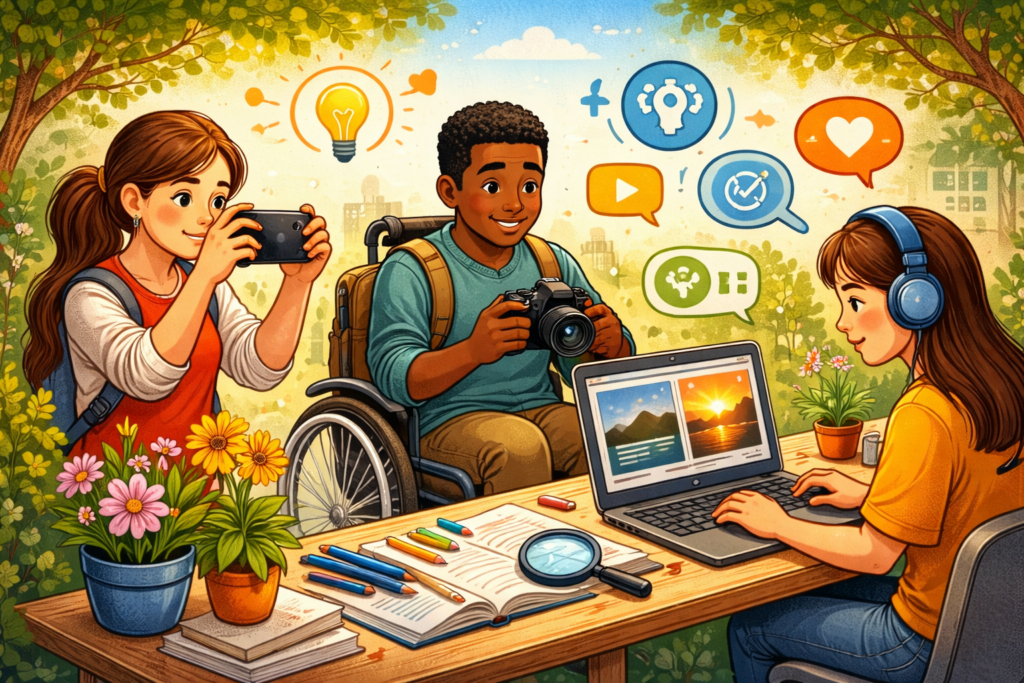
To reduce these barriers, the activity can be adjusted to make it more flexible and accessible. Instead of requiring specific equipment, learners could use any available device, including a smartphone or tablet. Instructions could also include simple tutorials showing how to adjust basic settings such as brightness or exposure using common camera apps.
Another adjustment would be allowing learners to analyze existing photos instead of taking their own if necessary. For example, students could compare two provided images with different lighting conditions and explain how light direction or color temperature changes the mood of the photograph. This ensures that learners who cannot easily capture photos themselves can still participate in the activity.
Supporting Different Learners
Thinking about this activity made me realize how important it is to design learning experiences that do not assume every learner has the same resources or skills. By providing multiple ways to complete the activity—taking photos, analyzing examples, or using simple editing tools—the learning environment becomes more flexible and inclusive. These adjustments help ensure that all learners can still achieve the learning objectives, even if their circumstances or resources differ.